
Drill Blocks for Dumpling Squishy How to Play
Move the drill into blocks, pick up the squishy, place it, collect — on PC or mobile.
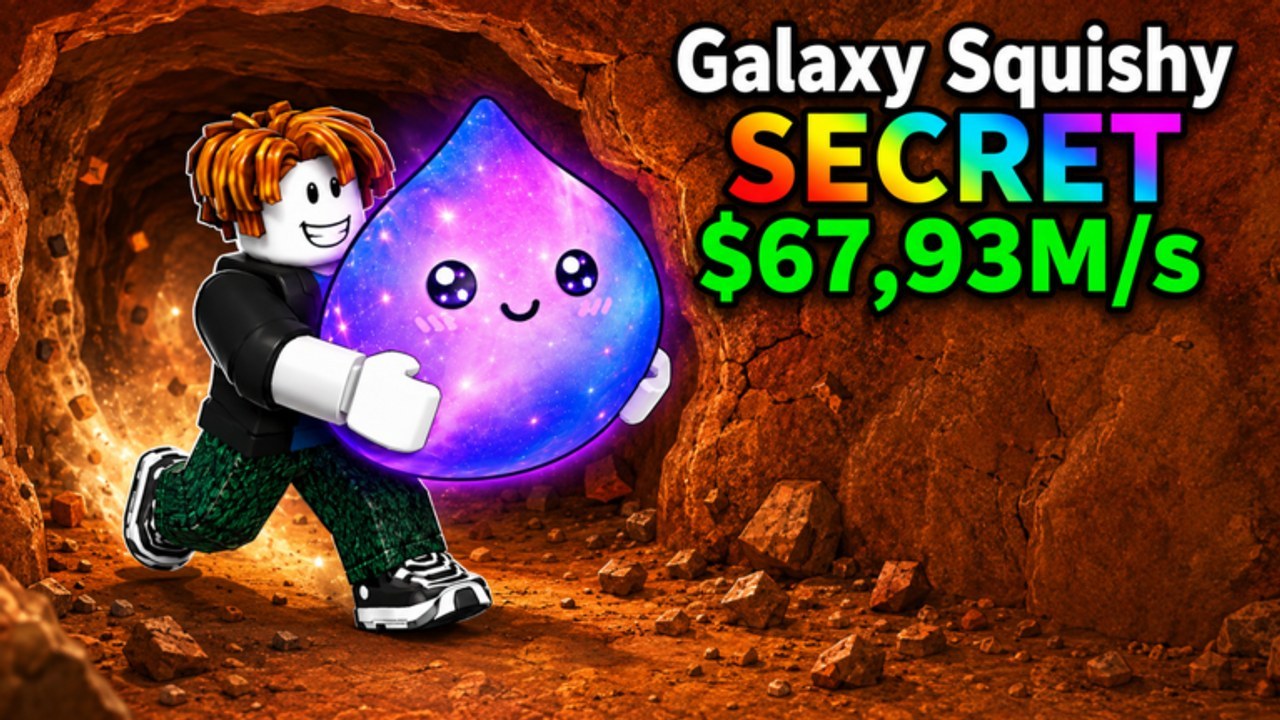
Drill Blocks for Dumpling Squishy plays like a first-person mining tycoon, not like a tap-to-idle clicker. You hold a physical drill, you walk it into cubes, and the wall gives you a dumpling-blob squishy if you stay on the bit long enough. Then you stop being a miner and become a janitor: carry the drop to your plot, place it, collect the cash it prints, and go back to the pit. This page is the session-loop and five-player layer. The keybind table lives on the controls guide. The spend order lives on Getting Started. The map of later walls lives on Zones.
Movement into blocks
On a keyboard, WASD moves your avatar. The drill does work when the bit is touching a cube, which in practice means you hold W (or the stick) into the face you want to delete. Strafe with A and D to stay on a single cube instead of sliding along the wall and wasting the bit on air. S is for backing out when another player occupies the same voxel.
On a controller or on mobile, the left stick is the same input. Push it into the wall and keep it there. Tapping the stick once chips nothing useful. This is a contact tool, not a projectile. If the cubes are not dying, you are either too far away, aimed at a face that is already cleared, or underpowered — and underpowered is a drill power problem, not a controls problem.
Camera, jump, interact, place
Look around with the mouse on PC, or by dragging the right side of the screen on mobile. A stable camera matters more than a fast one. The mine is a pit; looking straight into dirt without a horizon line is how people walk off a ledge they did not see. Jump with space on keyboard or the on-screen jump button on touch. Use jump to step onto a higher cube or to get out of a hole, not as a combat move. There is no combat.
Interact and place use the prompt the game shows when you are close enough. Typical Roblox language is E on keyboard or a tap on the highlighted button on mobile. You will see that prompt in three places that matter:
- On a popped squishy, to pick it up.
- On an empty plot slot, to place the one you are holding.
- On shop boards, rebirth buttons, or collect prompts if the client draws them as interactables.
Mobile versus PC
The loop is identical on both. The feel is not. PC can hold W into a wall with one finger and steer the camera with the other hand, which makes a long drill on a thick face easy. Mobile splits your thumbs: left stick for the bit, right drag for the look. If the camera keeps flipping while you drill, lower the look sensitivity in Roblox settings and drill in shorter bursts. Plant the stick, chip a few cubes, reset the camera, repeat.
Plot collection
Placed squishies generate cash. Unplaced squishies do not. After a minute in the mine, walk your pads. Some tycoons auto-stack cash on the blob; some want you to touch a collector. Use whatever prompt the client shows. If cash is sitting on the ground, walk through it. If a Collect button appears on the HUD, tap it after you return, not after every cube.
Collection is why plot setup exists. Put generators on a line you can sweep on the way back from the pit. Do not hide a rare behind a jump. If another avatar is standing on your collector, wait a second and walk the line again.
Five-player servers
Max players is five. That is small enough that you will see everyone in the pit, and large enough that a single popular face becomes a traffic jam. Drill a wall that still has blocks. If two bits are already in a voxel, pick another face. A cleared wall is not a farm; it is a hole. Zones covers why you leave a vacuumed starter pit for a later face your drill can actually bite. For the rarity chase itself, use how to get rare squishies after you can break the face you are standing on.
A session that uses the controls well
Load in. Confirm the drill is in your hands. Pick a face with cubes and hold movement into it. When a squishy pops, pick it up, place it, collect. Repeat until the wall is slow, then spend on power rather than on another common — that spend rule is on Getting Started and drill power. If you fall in the pit, walk back; the plot is still yours. If the drill is missing, re-equip from the hotbar. If you cannot place, you are too far from the slot or holding the wrong tool.
How-to-play is muscle memory: stick into cubes, camera steady, prompt when it appears, pads on the way home. Once that loop is automatic, stop rereading this page. The next skill is not a new keybind. It is picking a wall that still has blocks on a five-player server, and placing every drop before you go back for a prettier one.
Frequently Asked Questions
Quick answers players ask after every drill session.
How do I drill a block wall?
Hold WASD or the left stick so the drill bit stays in contact with a cube. Full keybinds are on the controls guide. Back up if the face is already cleared, then read zones for a better wall.
Is mobile the same as PC?
Same loop, clumsier camera. Plant the stick, chip, reset the look. Placement is covered here; the first-hour order is on Getting Started.
How do I collect cash from the plot?
Place the squishy first, then walk the pads or tap the collect prompt if one appears. Layout tips live on plot setup.
Can other players take my wall?
Servers hold five people, so popular faces get crowded. Drill a wall that still has blocks and leave a vacuumed pit. Zones explains when to move on.
What do I do after the first squishy is placed?
Collect, go back to a wall with cubes, and start thinking about rarity only after the face dies fast. Rare squishies is the chase page.