
Drill Blocks for Dumpling Squishy How to Redeem Codes
Like the game, join the group, then paste a string — if a box even exists yet.
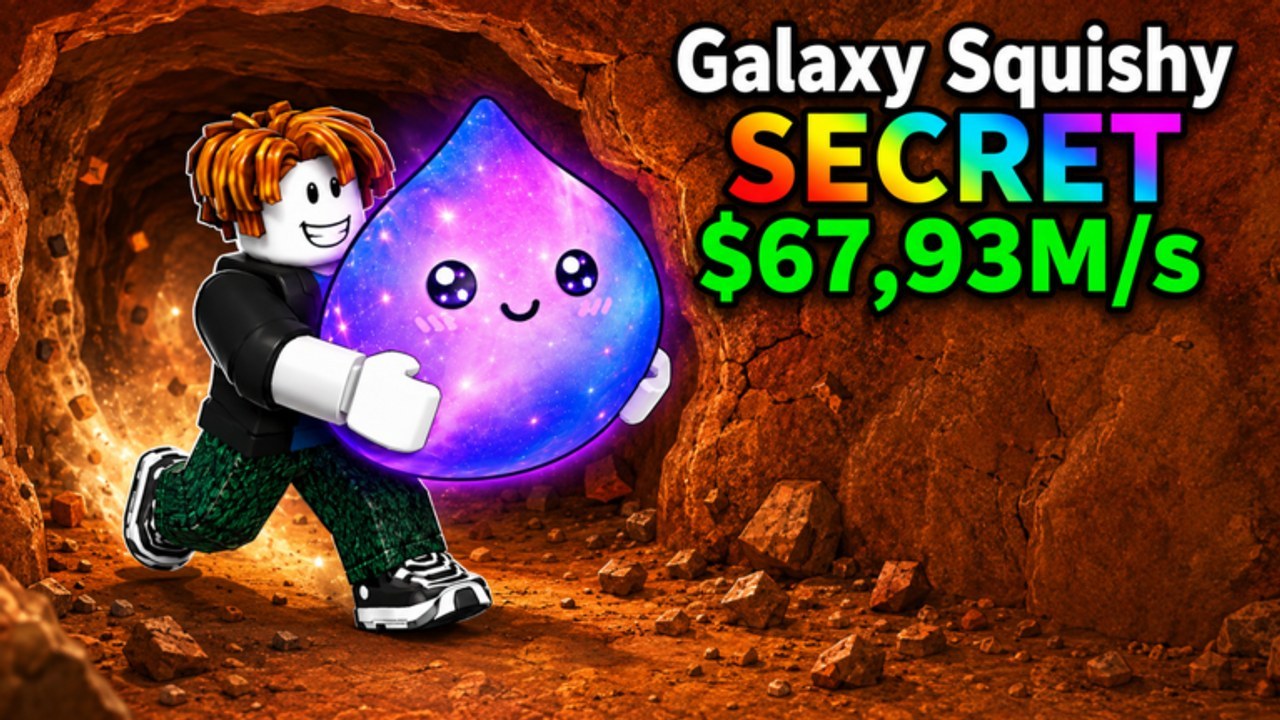
Drill Blocks for Dumpling Squishy launched on Roblox on 7 August 2026. As of 7 September 2026 this wiki still has no independently verified public promo list, so this page is a redeem drill, not a gift catalogue. Learn the PC and phone clicks now, and pair them with the codes hub so you never paste a rumour from a different dumpling title.
A code is useless until your plot is loaded. Spawn, wait for the drill loop to appear, then open UI. Redeeming into a half-loaded session is how people miss the popup or think the string failed. The getting started walkthrough covers that first-minute load; come back here once you can already drill a wall and park a drop.
Gates before the box
The official experience text asks you to like the game and join the CRAZY SQUISHY DUMPLING group. Many Roblox tycoons also want a favourite. Those actions are not typed codes — they are social gates that can unlock a shop tab or permission for the codes field. Do them first, then rejoin so the client refreshes flags.
If a gate is the actual reward, it lives on group rewards, not in a paste box. Do not hunt a string called LIKE or GROUP. Like, favourite, and join from a browser you already trust, then look for a shop, Twitter, gift, or Codes button. If nothing new appears, you have still done the prep — you have not been scammed out of a code that never existed.
PC steps
- Launch Drill Blocks for Dumpling Squishy on desktop and wait until your plot, drill, and the first block wall are visible.
- Confirm the like, favourite, and group join from the Roblox overlay or a second browser tab. Rejoin once if the shop looks empty.
- Open the in-experience shop or the button labelled Codes, Twitter, or gift.
- Click the text field. Paste with Ctrl+V. Do not retype from memory if you can avoid it — capital I, lowercase L, and the digit 1 are how most “broken codes” are born.
- Confirm. Read the popup. If it grants a squishy, place that squishy on an empty plot slot before you buy anything else. Unplaced drops do not print cash.
- If the popup says invalid, stop after one retry. Check spacing, case, and whether the string was copied with a trailing emoji from a shout. Then leave the box and go drill; hammering a dead string will not spawn a new one.
Mobile steps
Phones hide the same UI behind smaller buttons. Rotate to landscape if portrait crops the Codes field under the shop header or chat.
- Join from the Roblox app. Wait for the plot to finish loading before you tap shop.
- Like and favourite from the experience page in the app, then use the group join from the community link. Rejoin the server after both succeed.
- Tap the shop / Codes / gift control. If you only see gamepasses, scroll the panel — the text field is often below the paid rows, not beside them.
- Long-press the field and paste. Mobile keyboards love to insert a leading space or capitalise the first letter. Delete the space. Restore the original capitals from the source string.
- Submit, read the toast, and immediately place any squishy. On touch, it is easy to dismiss the reward popup and forget the drop is sitting in inventory instead of on the plot.
- If paste is blocked, type slowly and watch autocorrect. Turn off autocorrect for that field if your keyboard rewrites SQUISHY into something polite. Finish the current drill and park the last drop before you open UI — codes are a side door, not a replacement for getting started habits.
Case, spaces, and the wrong game
Treat every future string as case-sensitive until the popup proves otherwise. Drill is not drill. Inner spaces usually fail. Leading or trailing spaces copied from a group shout fail. Do not add your username, a hashtag, or “please” — the field is not a chat.
Do not redeem Brainrots, Dumpling Squishy Race, Unboxing, or generic “squishy simulator” lists here. Similar art does not share a codes backend. If a screenshot lacks the exact experience name Drill Blocks for Dumpling Squishy, it is not a source. The codes hub will only list strings we can re-test in this client. First-wave codes in this genre can also die after a like milestone or an admin-abuse hour; we will not keep a dead string in the working list just to look busy.
After a successful redeem
Spend the reward the same way you spend drill cash: empty plot slot first, then a drill only if the wall already feels sticky. Close the shop and return to the wall. Use the codes checklist after every update so you do not skip like, shout, and shop box in a random order. Social extras rather than a typed string live on group rewards.
If the codes button is simply not in the shop after you like, favourite, and join, do not download a “code generator” or paste a string from another dumpling title. Stay on the codes hub so the first real string is spent on a plot that is already printing.
Frequently Asked Questions
Quick answers players ask after every drill session.
Where is the codes box on PC?
Open the in-experience shop or a button labelled Codes, Twitter, or gift after your plot loads. Paste with Ctrl+V and confirm. Full clicks sit in the PC steps above.
Where is the codes box on mobile?
Use landscape if the shop is cropped, scroll below gamepasses, paste from the clipboard, and strip any leading space your keyboard added.
Do I have to like the game or join the group first?
The official description asks you to like the experience and join CRAZY SQUISHY DUMPLING. Some tycoons also want a favourite before the field accepts input. Those gates are tracked on group rewards.
Are codes case-sensitive?
Assume yes until a popup proves otherwise. Capitals, inner spaces, and trailing emojis from shouts are the usual fail reasons — not a broken wiki list.
Are there working codes to paste today?
Not that we have independently verified as of 7 September 2026. Recheck the codes hub and run the codes checklist after updates.
The redeem popup succeeded but I see no cash. Why?
Place any granted squishy on an empty plot slot. Unplaced drops do not print. Then follow getting started instead of standing in the shop.