
Drill Blocks for Dumpling Squishy Controls Guide
Hold the bit in the wall. Pick up the blob. Place it. Same loop on keyboard, thumb stick, or gamepad.
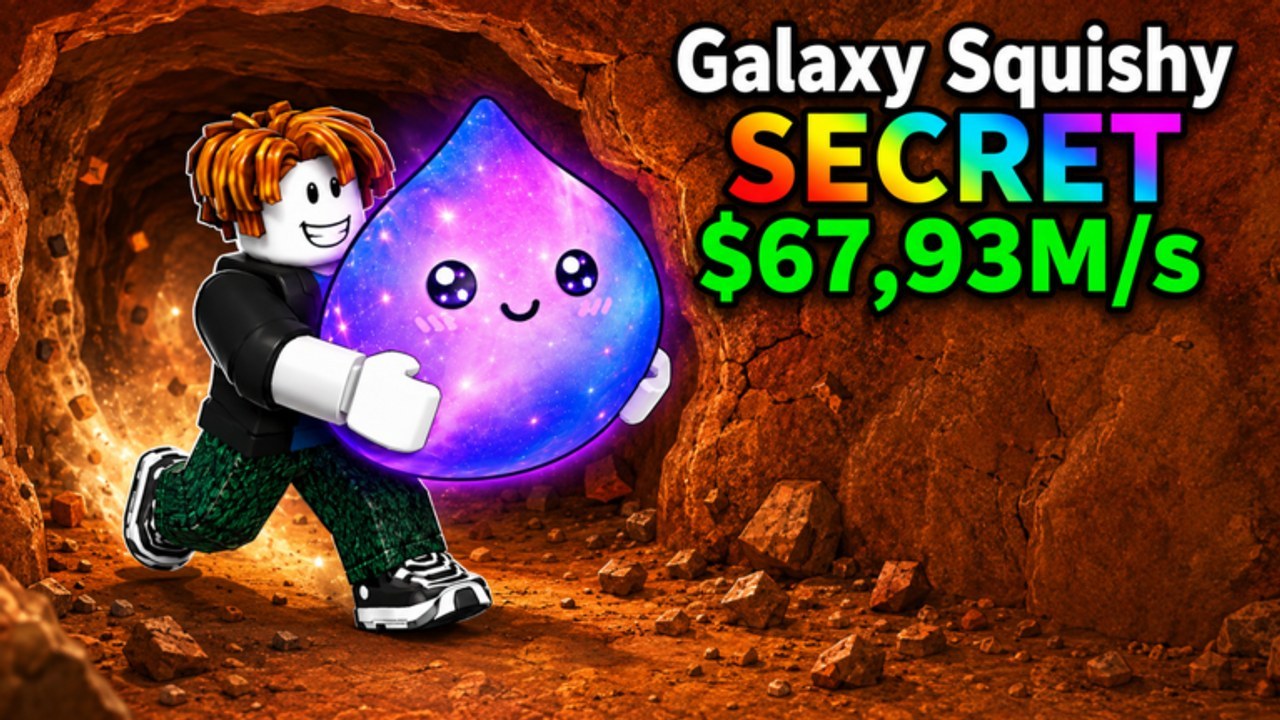
Drill Blocks for Dumpling Squishy is a first-person mining tycoon, not a tap-idle clicker and not a dance-floor unboxing game. The drill in your hands is a contact tool. You walk the bit into cubes until a dumpling-blob squishy pops, then you carry that drop to your plot and place it so it can print cash. This page is the keybind and camera layer. The first-hour spend order lives on Getting Started. The full session loop and five-player manners live on How to Play. If a wall will not die, that is drill power, not a missing hotkey.
Do not copy controls from Squishy Dumpling Unboxing, Dumpling Squishy Race, or Find the Dumpling. Those are different Roblox experiences. This place (86943068337855) does not have a plaza dance minigame, a race start line, or a scavenger-hunt emote wheel as its core loop. If a video shows those prompts, you are watching the wrong title.
Keyboard and mouse (PC)
- WASD — move. Hold W so the drill bit stays inside a cube. Tapping W once does almost nothing useful.
- A / D — strafe to stay on one voxel instead of sliding along a cleared face.
- S — back out when another avatar already occupies the cube you wanted.
- Mouse — look. A slow, stable camera beats a fast one in a pit. Looking straight into dirt with no horizon is how people walk off a ledge.
- Space — jump onto a higher cube or out of a hole. There is no combat jump.
- E (or the on-screen prompt) — interact: pick up a popped squishy, place it on an empty pad, or confirm a shop / collect / rebirth prompt if the client draws one as an interactable.
- Number keys / hotbar — re-equip the drill if it vanished after a menu. If you are holding a squishy, the bit is not in the wall; place first, then drill.
Shift-lock is a Roblox camera habit, not a special Drill Blocks ability. If the look feels glued or inverted, open Roblox settings and lower mouse sensitivity before you blame the tycoon.
Mobile (touch)
The loop is identical. The thumbs are not. Left virtual stick is movement; right-side drag is look. Plant the stick into the wall, chip a few cubes, then reset the camera. If the look flips while you drill, you are dragging the right thumb by accident — shorter bursts fix that faster than a new gamepass.
Jump is the on-screen jump button. Interact is the highlighted prompt when you are close enough to a drop, a pad, or a board. Do not mash empty HUD buttons hoping for a hidden auto-drill; this client expects contact with cubes.
Roblox mobile also inherits system gestures. If a swipe opens the Roblox menu mid-wall, pause, close it, and re-plant the stick. Five-player servers will not wait while you fight the OS.
Gamepad
Left stick into the wall. Right stick to look. South-face button to jump. The interact button is whatever Roblox bound for ProximityPrompts on your platform — usually the left bumper or the east-face button. Confirm it once on a pickup, then stop hunting a second mapping. There is no separate “drill fire” trigger. If cubes are not dying on a gamepad, you are too far away, the face is already a hole, or the bit is underpowered.
Plot collect versus mine
Controls in the pit are movement plus interact. Controls on the plot are walking a line. After you place a squishy, walk the pads or tap Collect if a HUD button appears. Unplaced blobs do not print. Layout so you can sweep the line on the way back from the mine lives on plot setup. Do not bind a “collect” key that does not exist; use the prompt the client actually draws.
Settings that actually help
- Lower look sensitivity until you can hold W for five seconds without spinning.
- Keep graphics high enough to see cube edges in the dirt pit; muddy cubes hide holes.
- Mute other experiences’ keybind overlays. A Race or Unboxing overlay will teach you the wrong E.
- If the drill is missing after a shop, close the shop, press the hotbar slot, then walk back to a face with blocks.
Five-player collisions
Max players is five. Two bits in one voxel is a traffic jam, not a combo. Back out with S or the stick, pick a quieter face, and leave a vacuumed starter wall — that decision is zones, not a new key. Do not stand on someone else’s collect path. Do not jump-spam in a doorway. Courtesy is part of the control scheme because the server is tiny.
A 30-second control check
- Drill in hand (hotbar if needed).
- Face with cubes, not a hole.
- Hold movement until a cube dies.
- Prompt appears on the squishy → pick up.
- Walk to your empty pad → place.
- Walk the line or tap Collect.
- If the next face is sticky, stop looking for a secret key and open drill power. If a rebirth button is on the HUD, do not mash it from this page — read rebirth first.
Controls are muscle memory: bit in the cube, camera with a horizon, prompt when it appears, pads on the way home. Once that is automatic, close this page. The next skill is picking a wall that still has blocks, not finding a hidden F-key that other dumpling games invented.
Frequently Asked Questions
Quick answers players ask after every drill session.
How do I drill a block on PC?
Hold WASD so the bit stays inside a cube. Tapping W once chips almost nothing. Session flow is on How to Play.
What is the interact key?
Usually E on keyboard, or the highlighted prompt on mobile and gamepad. Use it to pick up, place, and confirm shop or collect prompts the client actually draws.
Are mobile controls different?
Same loop, split thumbs. Plant the left stick, chip, reset look. Do not copy Unboxing dance keys — that is a different Roblox game.
Why is my drill not breaking cubes?
You are too far away, the face is already cleared, you are holding a squishy instead of the bit, or the wall is a power gate. Check zones and drill power.
Is there a dedicated collect hotkey?
Use the collect prompt or walk the pads after you place. Layout tips live on plot setup.